
Technical resources
Everything you need to install, configure, and get the most from Opti-mized.
Step-by-step guides, technical specifications, detailed diagrams, and troubleshooting resources to help you succeed.
Resource library
Installation
Step-by-step instructions and best practices for installing and setting up your Opti-mized system.
- Installation GuideComplete step-by-step instructions for installing your system. Coming soonRequest it: Installation Guide
- CT PlacementBest practices for current transformer placement and orientation. Coming soonRequest it: CT Placement
- Gateway SetupConfigure your gateway and connect to the Opti-mized Cloud. Coming soonRequest it: Gateway Setup
- CommissioningVerify system operation and complete the commissioning process. Coming soonRequest it: Commissioning
Specifications
Technical specifications and system details for all Opti-mized hardware components.
- 01 System OverviewOverview of the Opti-mized system architecture and how components work together. View Specs: System Overview
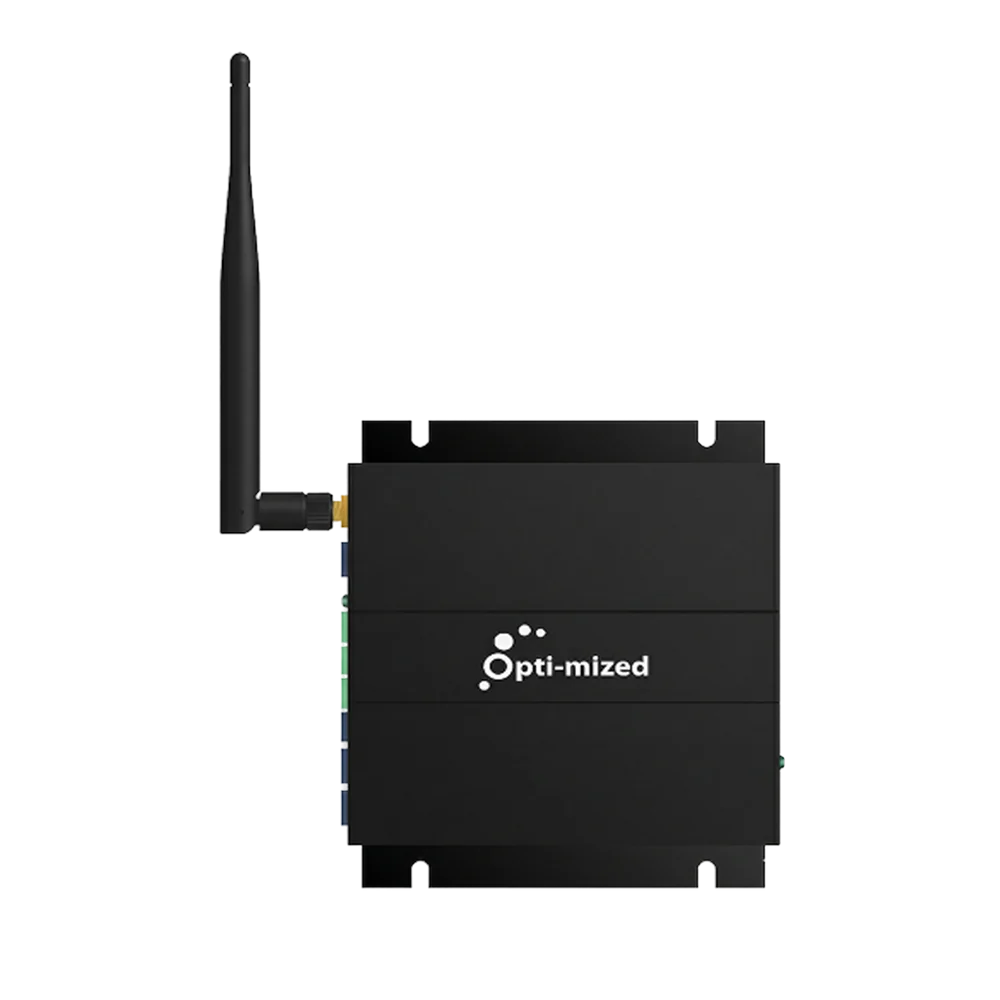
- 02 GatewayCommunication, processing and connectivity specifications for the Gateway. View Specs: Gateway
- 03 CT HubSensor expansion and connection specifications for the CT Hub. View Specs: CT Hub
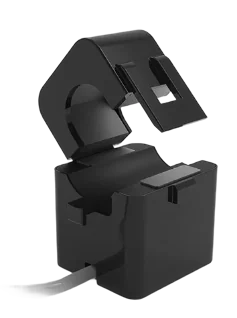
- 04 Current Transformers (CTs)Measurement ranges, sizes and performance specifications for CT clamps. Coming soonRequest it: Current Transformers (CTs)
- 05 System Requirements & CompatibilityElectrical, network and installation requirements for the Opti-mized system. Coming soonRequest it: System Requirements & Compatibility



Product Guides
How-to guides for your Opti-mized hardware.
Coming soon
Request it
We’re putting these together. Need one now? Ask us and we’ll send it over.
Diagrams & Reference
Diagrams and reference material for the Opti-mized system.
Coming soon
Request it
We’re putting these together. Need one now? Ask us and we’ll send it over.
Troubleshooting
Help when something doesn’t look right.
Coming soon
Request it
We’re putting these together. Need one now? Ask us and we’ll send it over.
No resources match that search. Request it