
The hardware
Our hardware is made simple. Made to set up in a day. Made to set and forget.
Clip the sensors on, connect the gateway, and data starts flowing as soon as it’s connected. Most facilities are set up in a day. Then you never have to think about it again.
Click here for the boring technical details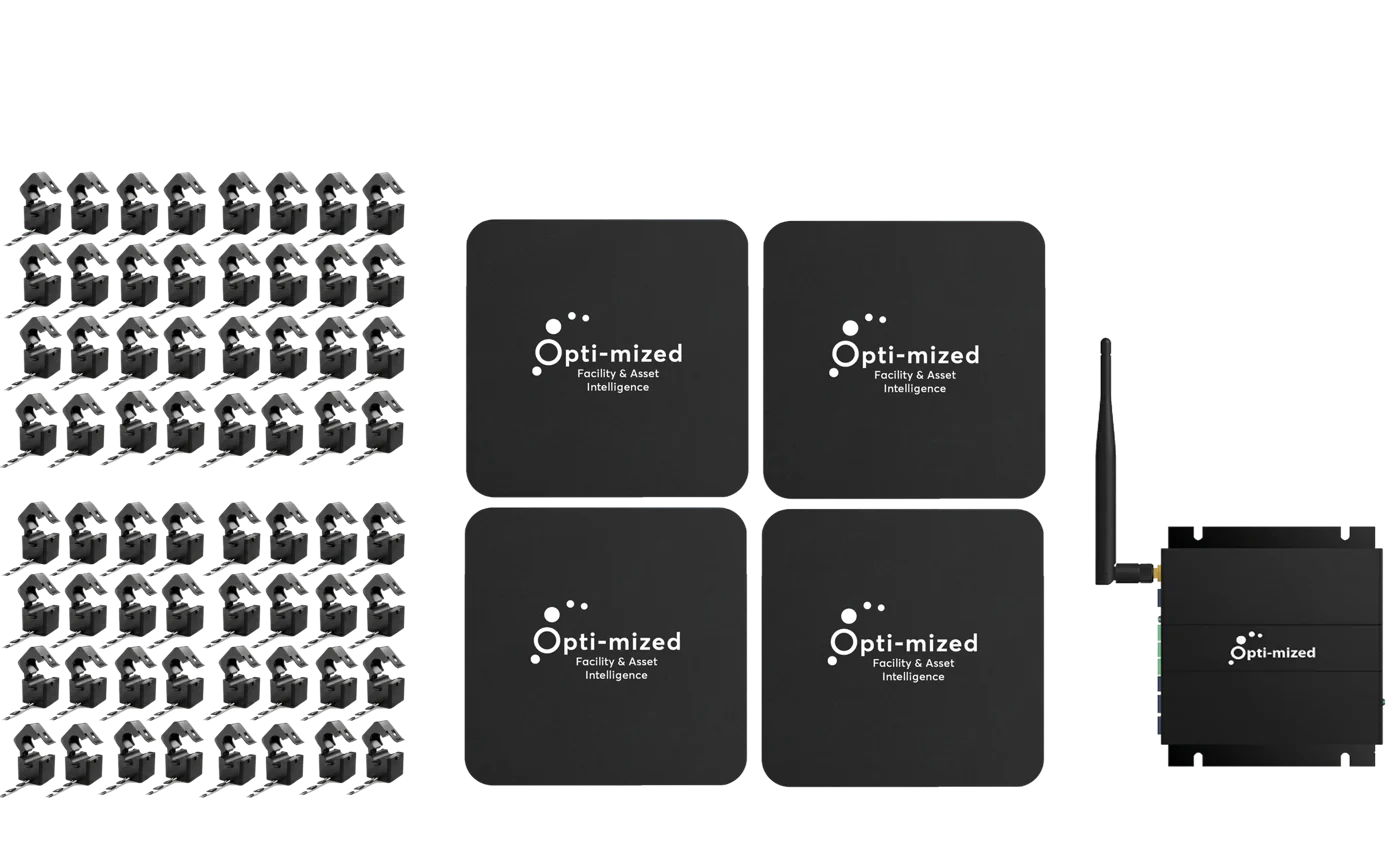
Where the money goes
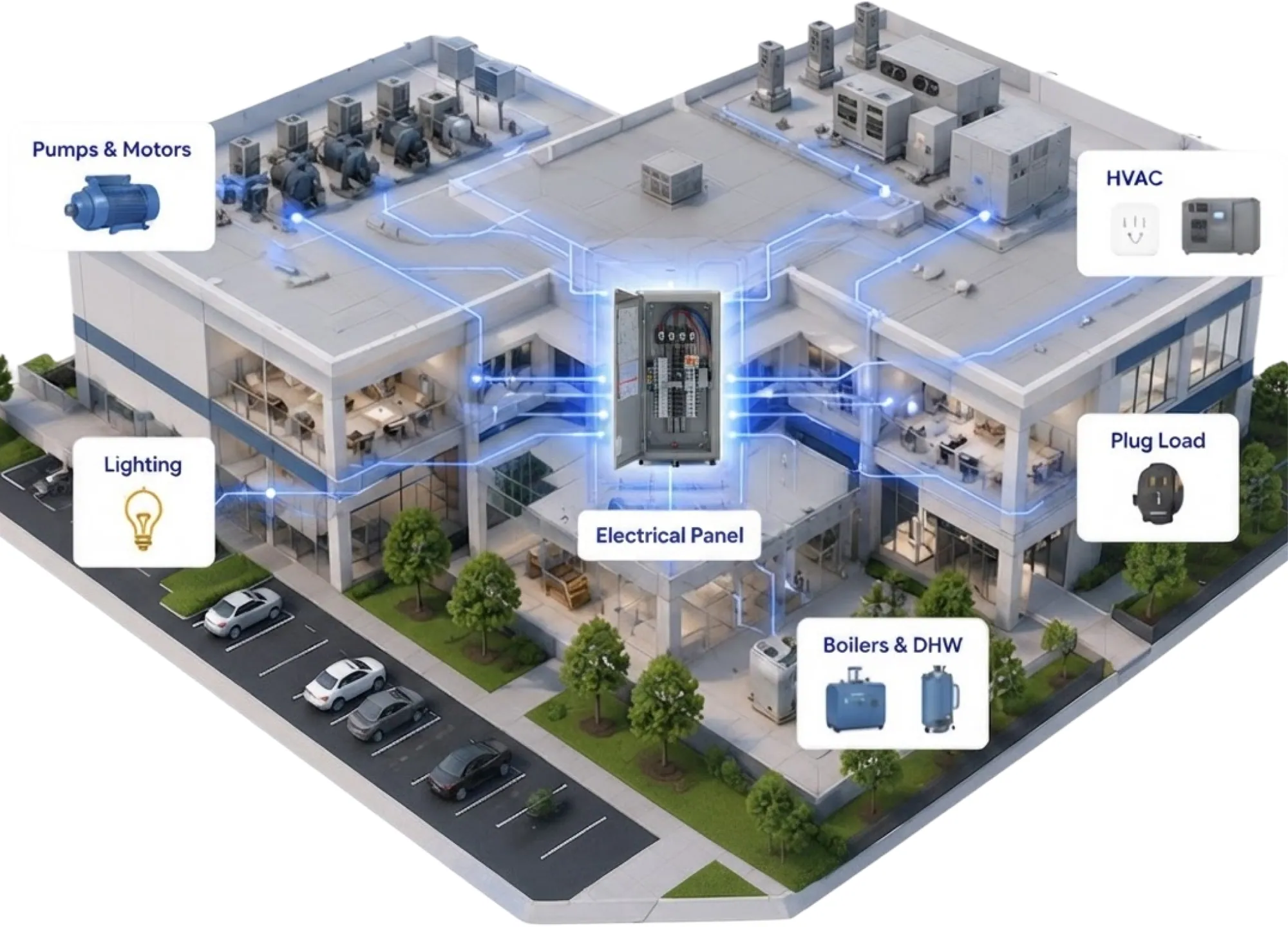
Every machine that costs you money is wired to one place.
Pumps and motors. Heating and cooling. Lights. Anything plugged in. Boilers and hot water. Every one of them gets its power from your electrical panel or MCC.
Clip on there, and you see all of it.
Meet the kit
Three parts. Nothing complicated about any of them.
-

1Clip-on sensors
They clip on. That’s it.
Each sensor snaps around a wire that’s already there. No rewiring. From then on, it knows exactly what one piece of your equipment is doing, every second of every day.
Click here for the boring technical details -

2CT Hubs
The CT Hub gathers them up.
The sensors plug into a CT Hub mounted beside the panel. It keeps every wire tidy and passes everything along. More equipment later? Add another CT Hub.
Click here for the boring technical details -
3Gateway
The gateway sends it home.
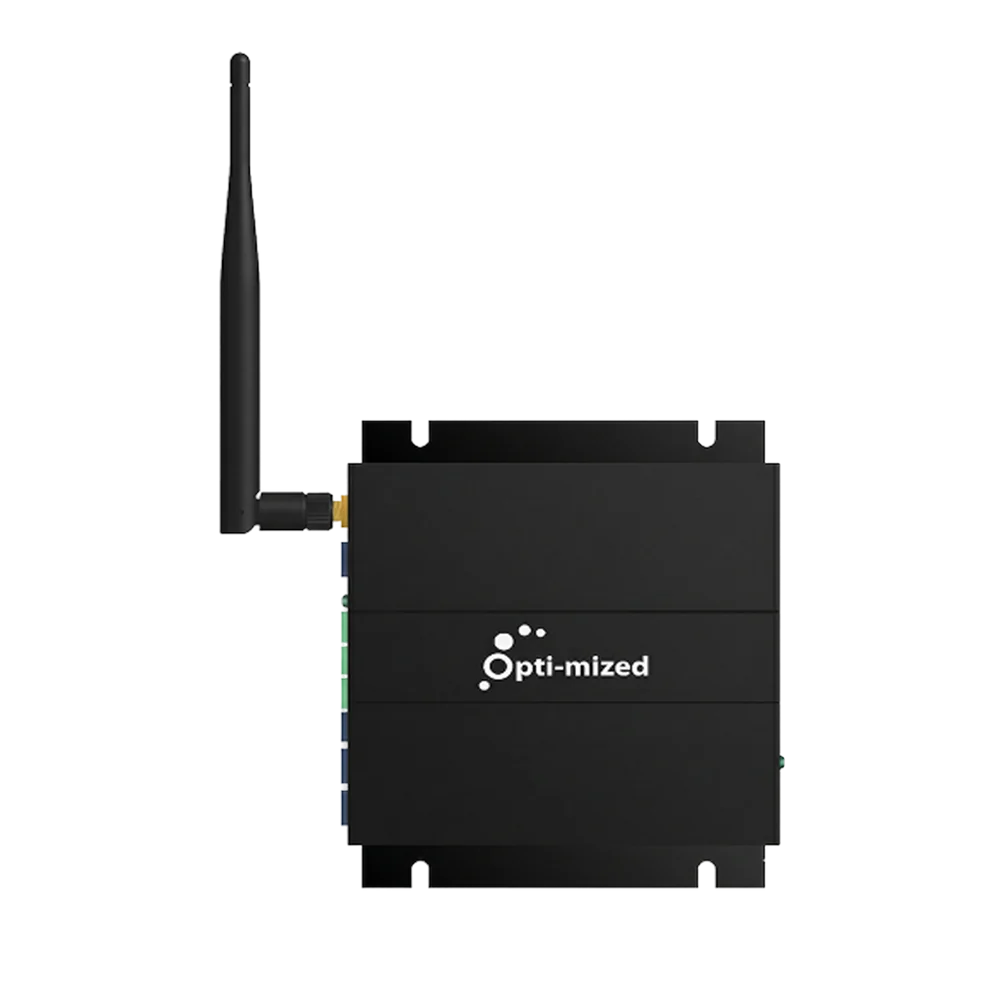
One gateway takes everything from your CT Hubs and sends it safely to Opti-mized. Power it up, connect it, and the answers start coming in.
Click here for the boring technical details
The install
Unbelievably simple to install. On purpose.
We made the install as simple as we possibly could. Because the best hardware is the kind you put in once and never think about again.
- Just clip it on. Sensors go around the wires that are already there. No rewiring.
- Data starts flowing as soon as it’s connected.
- Usually set up in a day. Not weeks. Not a big project.
- No engineers or special training needed.
- Set it and forget it. Install it once. That’s it.
How it goes in
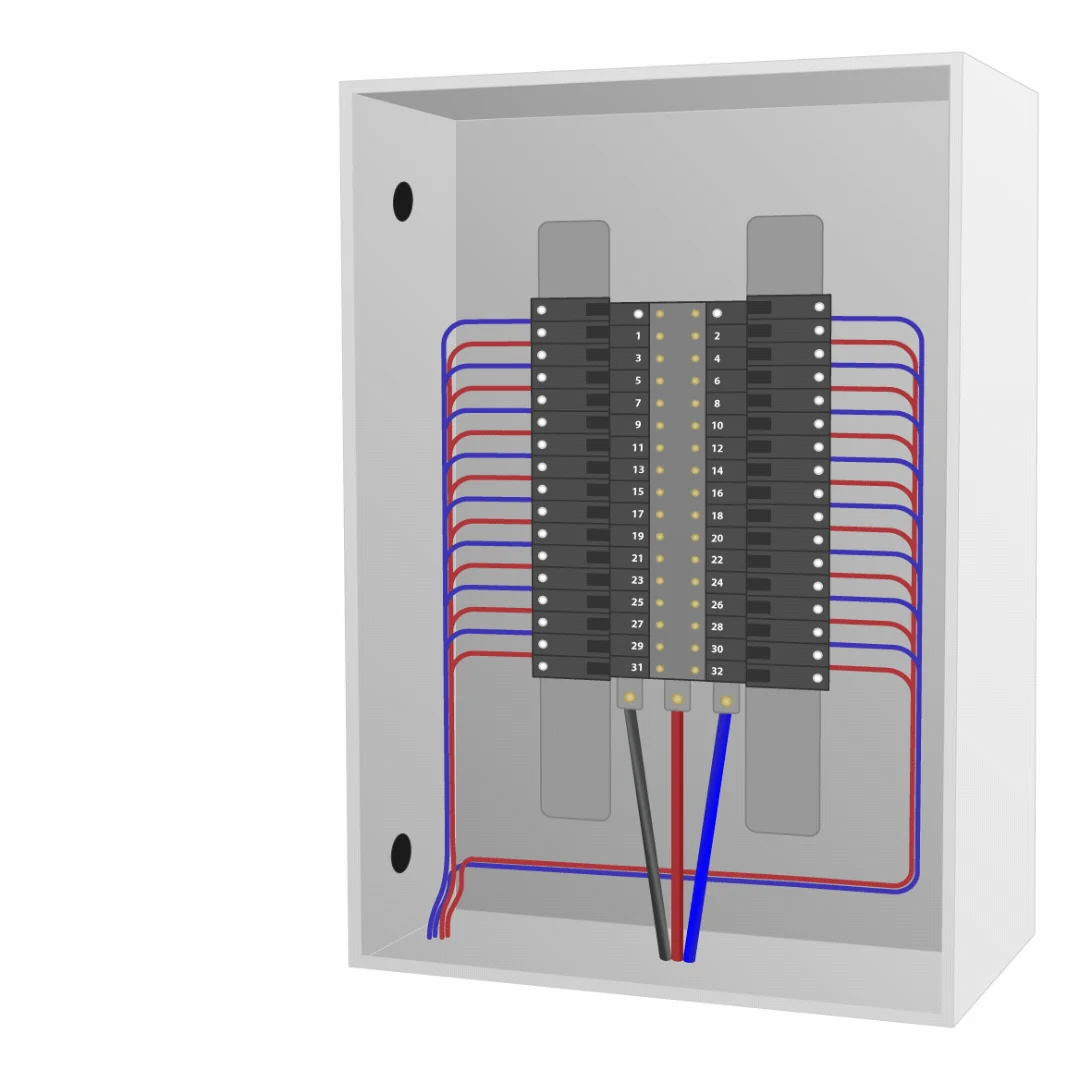
Clip. Connect. Done.
A quick, simple install, built around the panel you already have.
-
1
Clip the sensors on.
Each one goes around a wire that’s already there.
-
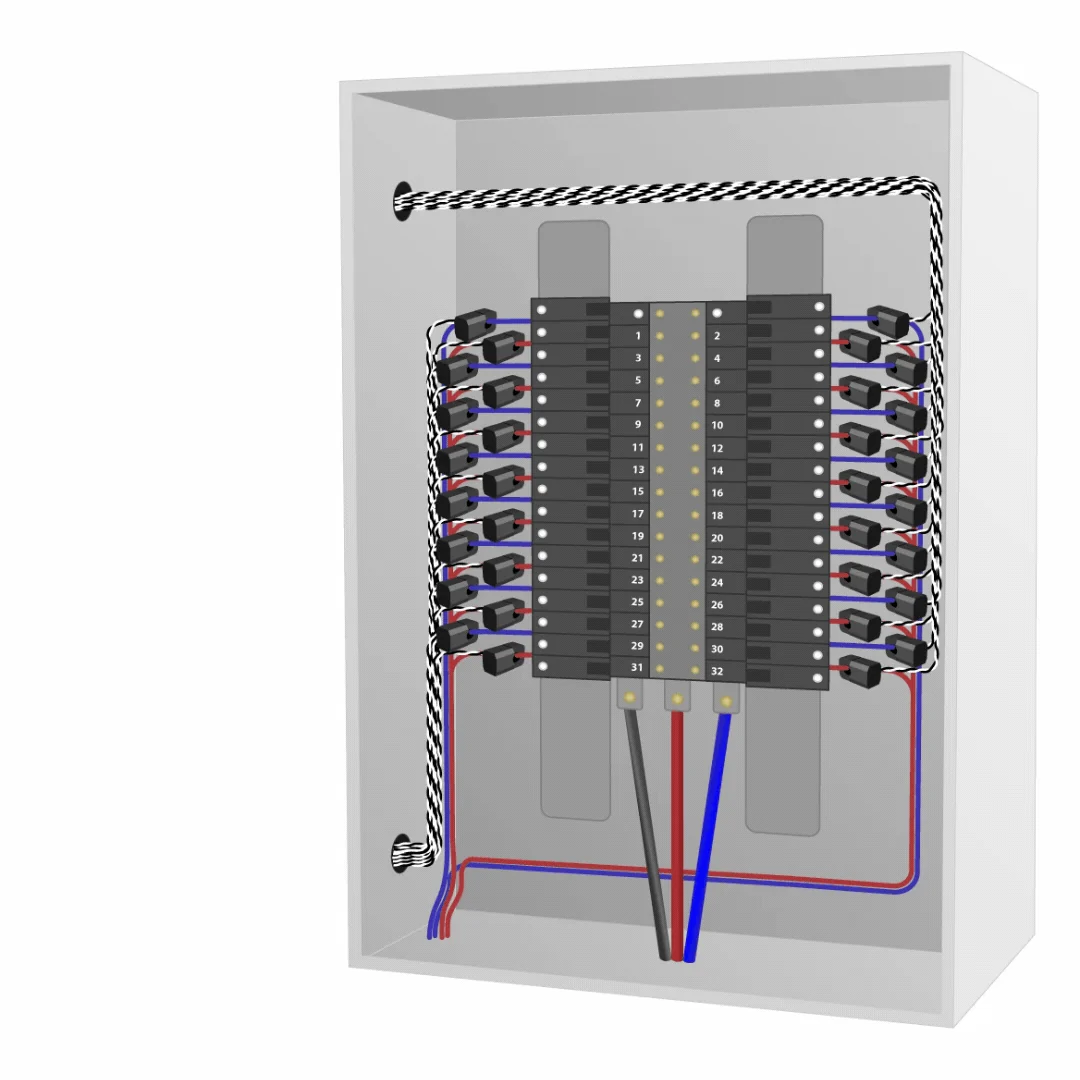 2
2
Plug them into a CT Hub.
It sits beside the panel and keeps everything tidy.
-
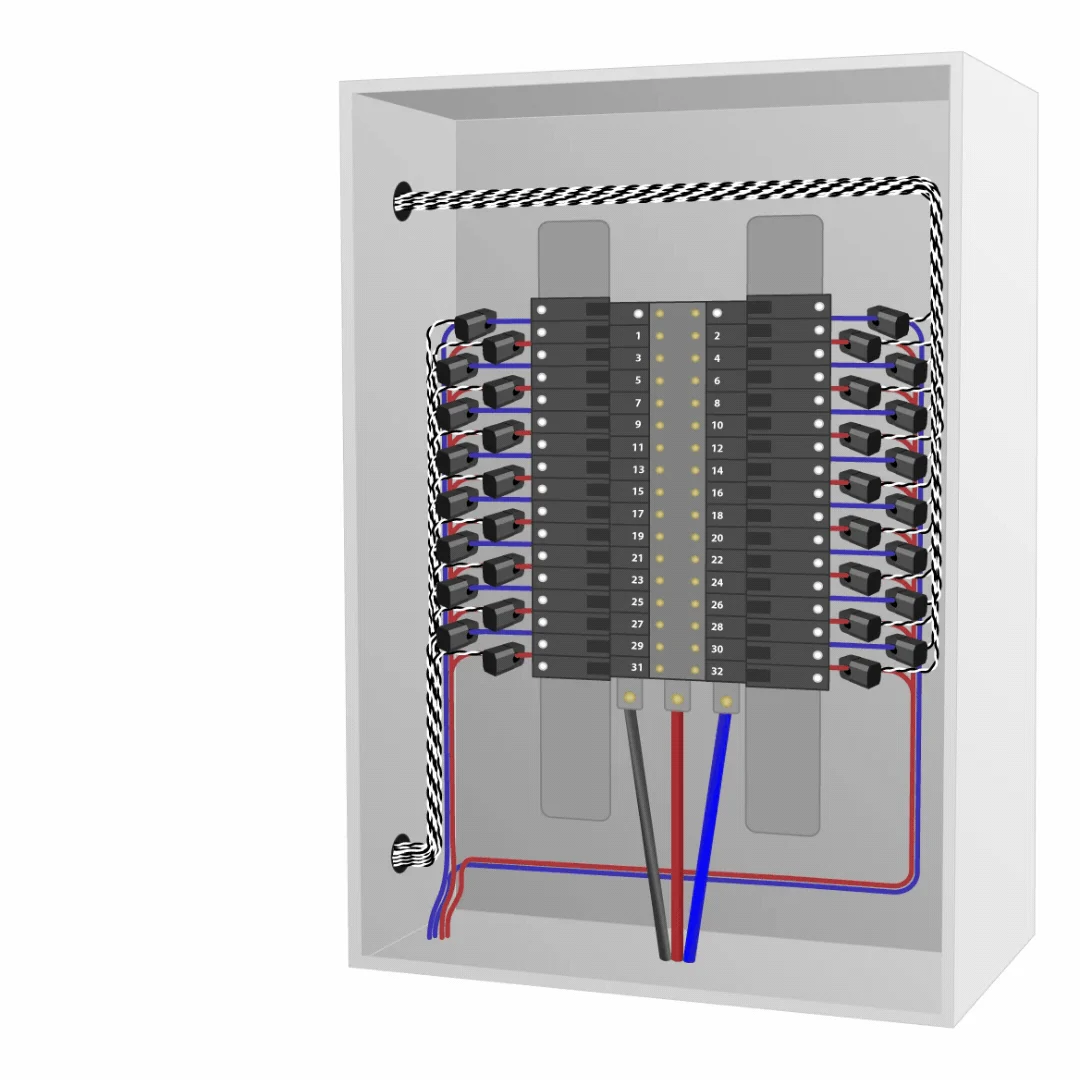 3
3
Connect the gateway.
That’s it. Data starts flowing.
Why it matters
You could do this by hand. You’d need an electrician standing at your panel 24 hours a day.
A typical panel has around 42 breakers. So picture it: someone with a clipboard, writing down every one of those 42, every second. That’s 2,520 notes a minute. Over 3.6 million a day.
All night. Weekends. Christmas morning. No coffee breaks. And somewhere in that pile of paper, they still have to notice the heater that switched on at 2 AM, and the pump that’s working a little harder every week.
No person can do that. Not the best electrician you’ve ever worked with. It’s just more than any human can do.
Opti-mized packs all of it into one quick clip-on install. It never blinks, and it hands you the few answers that matter.
Panel A logSheet 1,204 of …
- 2:00:01 AMBreaker 1Lobby lightson
- 2:00:01 AMBreaker 2Hall heateron?!
- 2:00:01 AMBreaker 3Pool pumprunning
- 2:00:01 AMBreaker 4Rooftop unitoff
- 2:00:01 AMBreaker 5Kitchenoff
- 2:00:01 AMBreaker 6Gym lightson
- 2:00:01 AMBreaker 7Ice plantrunning
- 2:00:01 AMBreaker 8Hot waterheating
… 34 more breakers. Then do it all again. Every second.
Plan your kit
How many circuits are in your panel?
Open the panel door and count the breakers. Not sure? Pick a rough number.
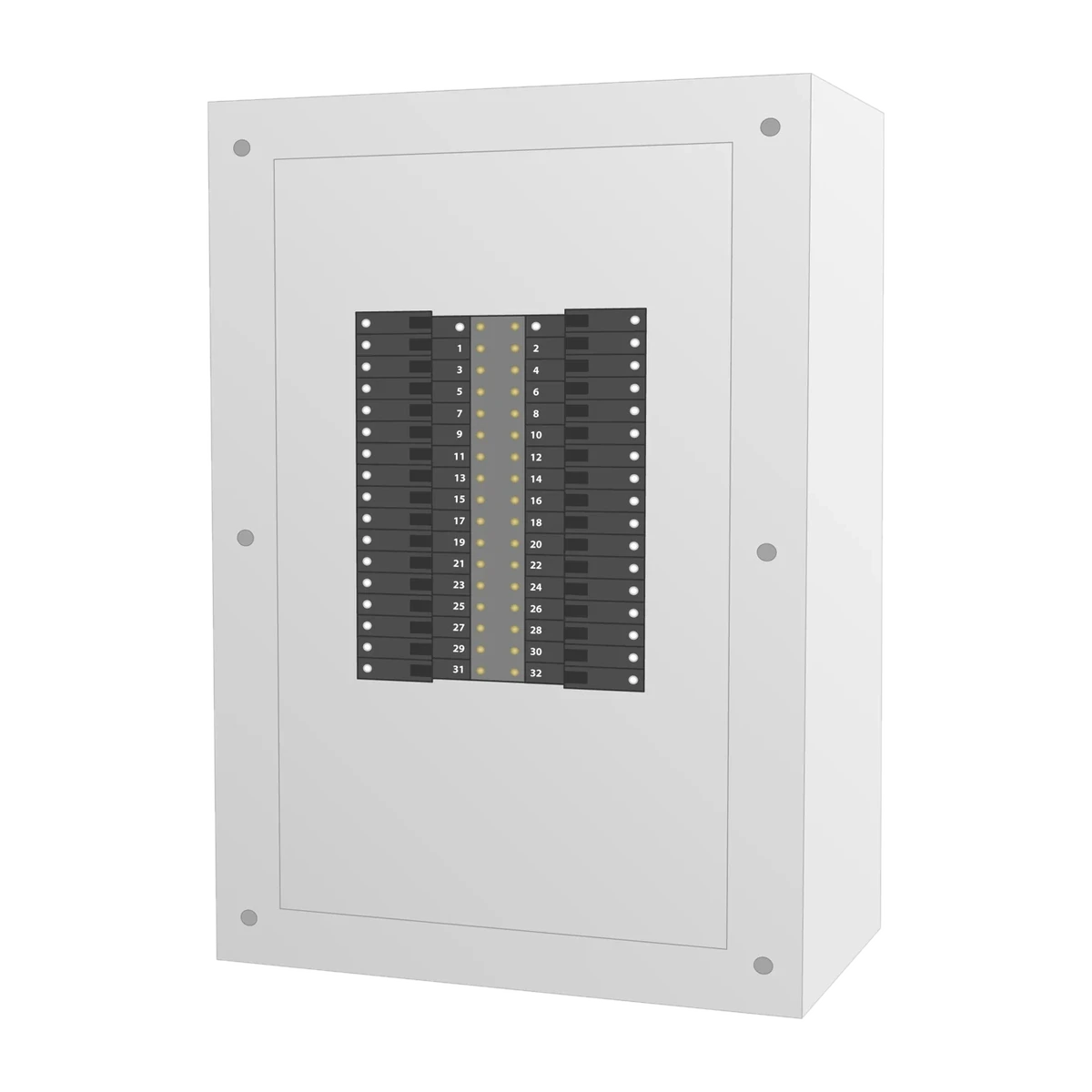
-
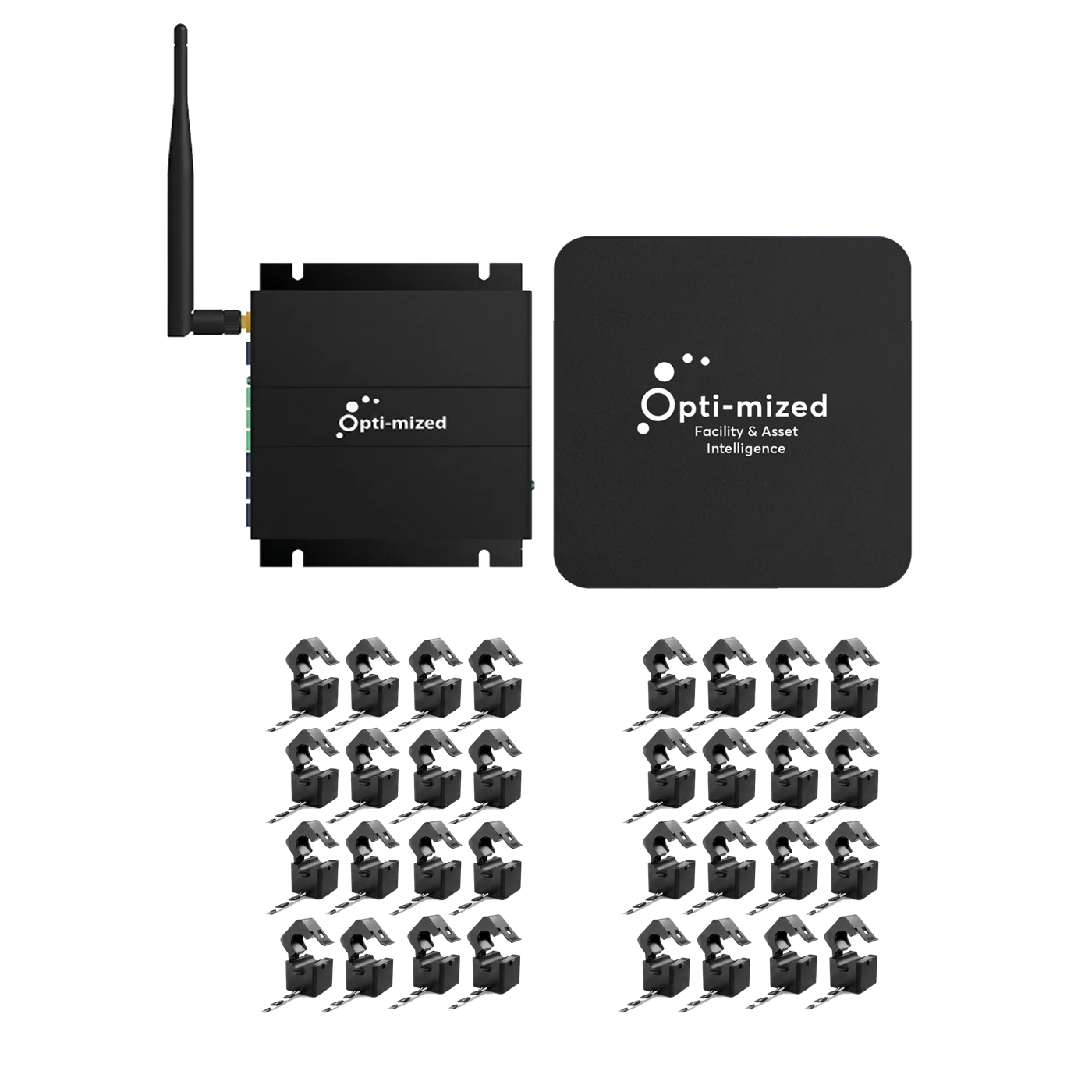
 24 CT clip-on sensors
-
 2 CT Hubs
-
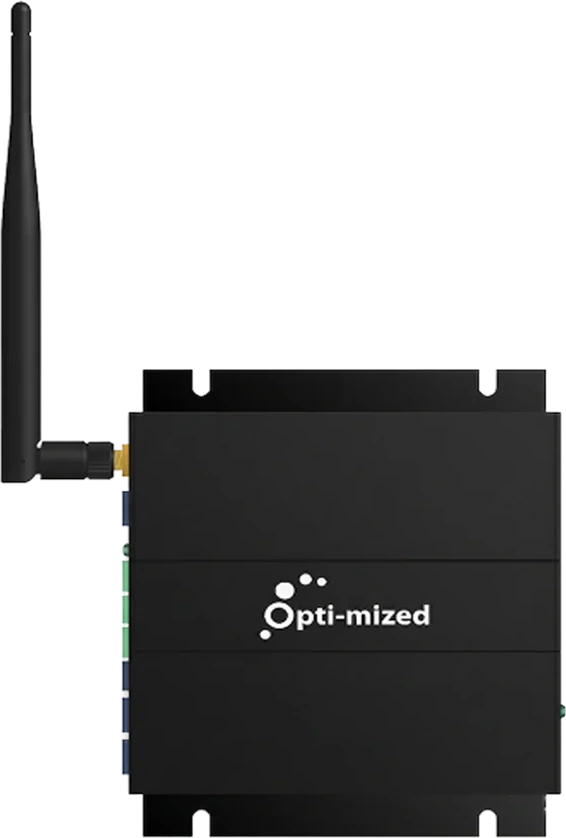 1 gateway
Shown to scale, like the kit at the top of the page.
Hardware questions
Straight answers about the hardware.
How hard is the install?
Not hard. Sensors clip around the existing wires in your electrical panel. It’s a quick, simple install, and most facilities are set up in a day.
Will it work with our old panel?
It’s built around what you already have: electrical panels, MCCs and switchgear, in new and older facilities alike.
How many sensors do I need?
Use the kit planner above for a quick idea. For an exact answer, send us a few photos of your panel and we’ll work it out for you.
Is there anything to maintain?
No. It’s maintenance-free by design. Install it once and leave it.
Does Opti-mized control our equipment?
No. It shows you what’s happening and what it costs. You decide what to change.
Does it work in real facilities?
Facilities like yours already run on it.
Arenas, pools, libraries, community centres.
 They could see the bills. Not the cause.
The Hanna Agri-Sports Complex shifted from reacting to utility bills to understanding what was actually happening inside the facility day-to-day.
Read the Hanna story →
They could see the bills. Not the cause.
The Hanna Agri-Sports Complex shifted from reacting to utility bills to understanding what was actually happening inside the facility day-to-day.
Read the Hanna story →
Free Money-Loss Report
Before you buy a single sensor, find out what your facility is wasting.
Answer a few quick questions and get your free Money-Loss Report, sent to your inbox as a PDF. It puts a dollar figure on what your facility is likely losing every year.
Free · No credit card · No obligation · About 2 minutes
What does the report cost?
Nothing. No credit card and no obligation. Yours to keep, even if you never buy.
Will you spam me?
No. Your report is sent to your email, and someone from our team may follow up personally about it. You can unsubscribe anytime.
 Example
Money-Loss Report
Aldermoor Community Recreation Centre
Likely lost every year
About $14,600
- Running after closing
- Running harder than needed
- Left on standby
PDFPrepared for your facility
The boring technical details
CT clip-on sensors
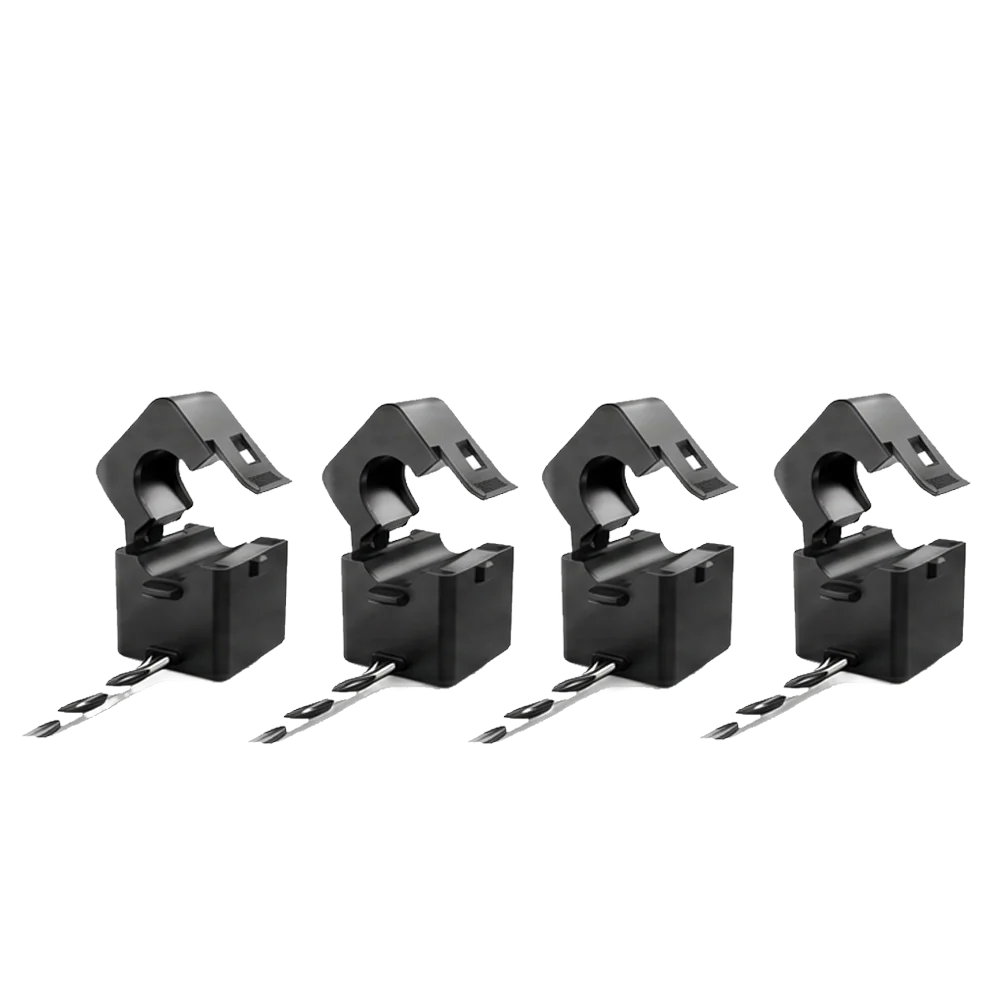
Non-invasive current sensors that clip onto each circuit conductor.
- Type
- Non-invasive CT (current transformer) clip-on sensor
- Sensor coverage
- 20A to 2000A+ (multiple sensor sizes)
- Output
- 0.333V
- Measures
- Circuit-level electrical activity, second by second
- Fitting
- Clips around the existing conductor. No rewiring.
- Orientation
- Direction-free, to help avoid orientation errors
- Labelling
- Each sensor is labelled with the circuit it is on
- Connects to
- A CT Hub (up to 16 sensors per CT Hub)
The boring technical details
CT Hub

Connects up to 16 sensors and transmits their data to the gateway.
- Sensors per CT Hub
- Up to 16
- Job
- Collects and organizes each circuit’s data and passes it to the gateway
- Housing
- Utility enclosure installed beside the electrical panel
- Designed for
- Panel installation
- Scaling
- Expandable architecture: add CT Hubs as circuits are added
- CT Hubs per gateway
- Up to 4 (64 circuits)
The boring technical details
Gateway
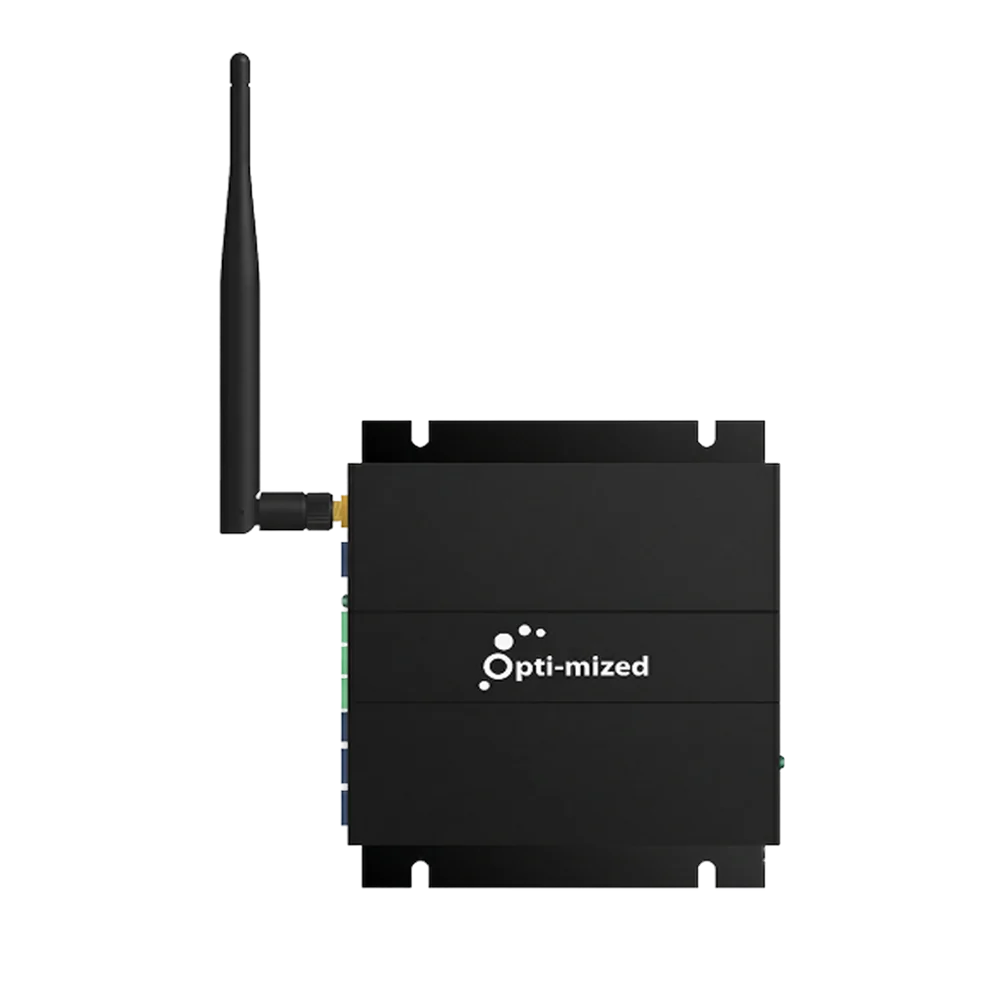
The brain of the system. Collects, processes, and securely sends data to the cloud.
- Capacity
- Up to 64 circuits (4 CT Hubs × 16 sensors)
- Connectivity
- Ethernet • Wi‑Fi • Cellular
- Communications
- Secure cloud communication and sync
- Updates
- Over-the-air (OTA) updates
- Location
- Installed near the electrical panel, connected to the CT Hubs
- Start-up
- Once powered and connected to an available network, it starts sending data automatically
The boring technical details
Full technical specs
The system
- Circuits per gateway
- Up to 64
- Sensor coverage
- 20A to 2000A+
- Data capture
- Second by second
- Connectivity
- Ethernet • Wi‑Fi • Cellular
- Communications
- Secure cloud sync
- Architecture
- Expandable: sensors → CT Hubs → gateway
- Works with
- Electrical panels, MCCs and switchgear
- Facilities
- Small to large sites, new and legacy, simple to complex
- Multiple panels
- Facilities with multiple panels or MCCs may use multiple gateway systems
- Reliability
- Durable components and secure connections for real electrical rooms. Maintenance-free by design.
- Kit sizing (panel)
- Sensors = circuits, rounded up to the next 4 (4 to 128)
- Kit sizing (MCC)
- Sensors = switches × 3 (1 to 42 switches)
- Kit sizing (CT Hubs)
- One CT Hub per 16 sensors
- Kit sizing (gateways)
- One gateway per 4 CT Hubs
CT clip-on sensors
Non-invasive current sensors that clip onto each circuit conductor.
- Type
- Non-invasive CT (current transformer) clip-on sensor
- Sensor coverage
- 20A to 2000A+ (multiple sensor sizes)
- Output
- 0.333V
- Measures
- Circuit-level electrical activity, second by second
- Fitting
- Clips around the existing conductor. No rewiring.
- Orientation
- Direction-free, to help avoid orientation errors
- Labelling
- Each sensor is labelled with the circuit it is on
- Connects to
- A CT Hub (up to 16 sensors per CT Hub)
CT Hub
Connects up to 16 sensors and transmits their data to the gateway.
- Sensors per CT Hub
- Up to 16
- Job
- Collects and organizes each circuit’s data and passes it to the gateway
- Housing
- Utility enclosure installed beside the electrical panel
- Designed for
- Panel installation
- Scaling
- Expandable architecture: add CT Hubs as circuits are added
- CT Hubs per gateway
- Up to 4 (64 circuits)
Gateway
The brain of the system. Collects, processes, and securely sends data to the cloud.
- Capacity
- Up to 64 circuits (4 CT Hubs × 16 sensors)
- Connectivity
- Ethernet • Wi‑Fi • Cellular
- Communications
- Secure cloud communication and sync
- Updates
- Over-the-air (OTA) updates
- Location
- Installed near the electrical panel, connected to the CT Hubs
- Start-up
- Once powered and connected to an available network, it starts sending data automatically
Prices are not shown here. For an exact kit, send us photos of your panel.