
More CircuitsLess Hardware
Connect up to 64 circuits through one gateway.
Simple to install. Easy to expand. Built around the electrical infrastructure you already have.
Get My Recommended Setup

- 64×Clip-On Sensors
- 4×Expansion Modules
- 1×Gateway
-
 24 CT clip-on sensors
-
 2 expansion modules
-
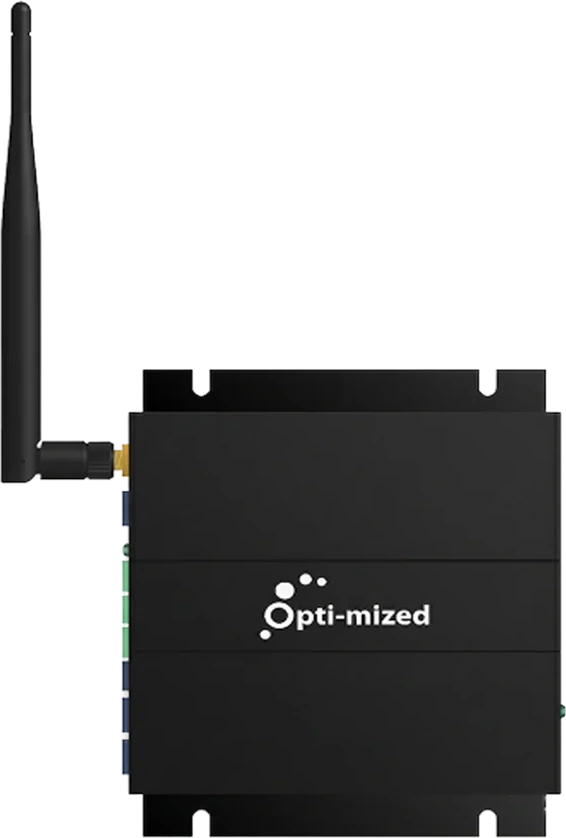 1 gateway
Works With Existing Infrastructure

- Electrical Panels
- MCCs
- Switchgear


Designed for Real Facilities

- Small to Large Sites
- New & Legacy Facilities
- Simple to Complex Facilities


THREE HARDWARE COMPONENTS
One Connected Platform

From circuit-level sensing to actionable insights. All connected through one seamless system.
-
Up to
64×
Clip-On Sensor
Capture electrical activity at the circuit level.


-
Up to
4×
Expansion Modules
Connect multiple circuit sensors into one scalable system.


-
1×
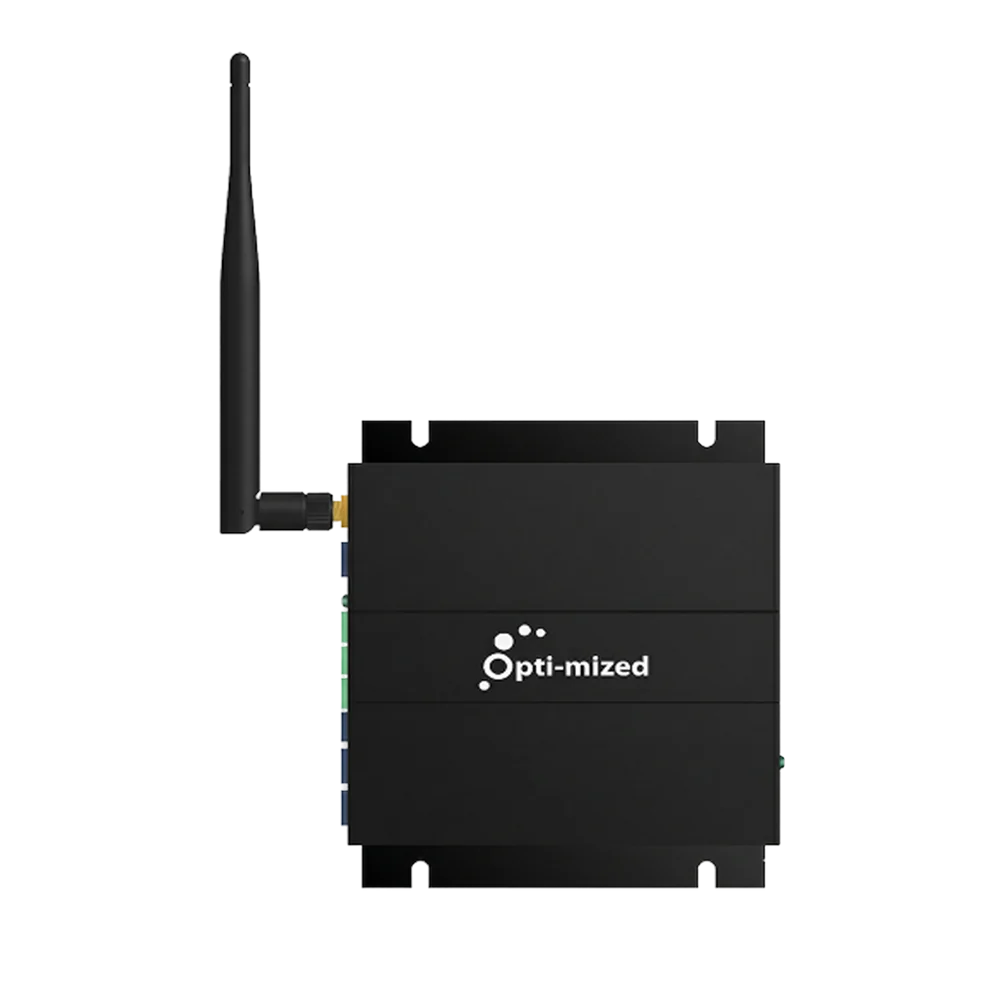
Secure Data Connection
Collects the data and securely transmits it to the cloud.

-
One
Facility Intelligence
Turns circuit data into clear insights, so you can make smarter decisions.


Configured around your facilityFacilities with multiple panels or MCCs may use multiple gateway systems.
 Configured around your facility
DESIGNED FOR REAL-WORLD DEPLOYMENT
Built to Make Deployment Simpler
Direction-Free Sensors
Reduce installation confusion and help avoid orientation errors.
16-Sensor Modular Expansion
Each module supports up to 16 sensors for cleaner organization and simpler scaling.
Built Around Existing Infrastructure
Designed to work with existing panels, MCCs, and switchgear already in place.
Field-Ready Reliability
Durable components and secure connections designed for real-world electrical environments.
Maintenance-Free by Design.


SIMPLE INSTALLATION
From Panel to Intelligence
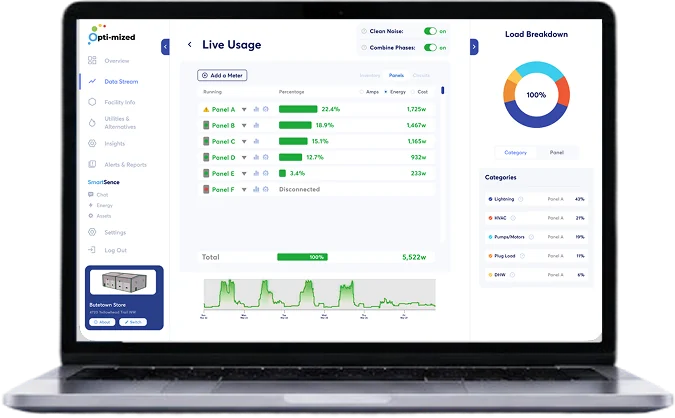
See how Opti-mized connects your facility and turns electrical activity into actionable intelligence.
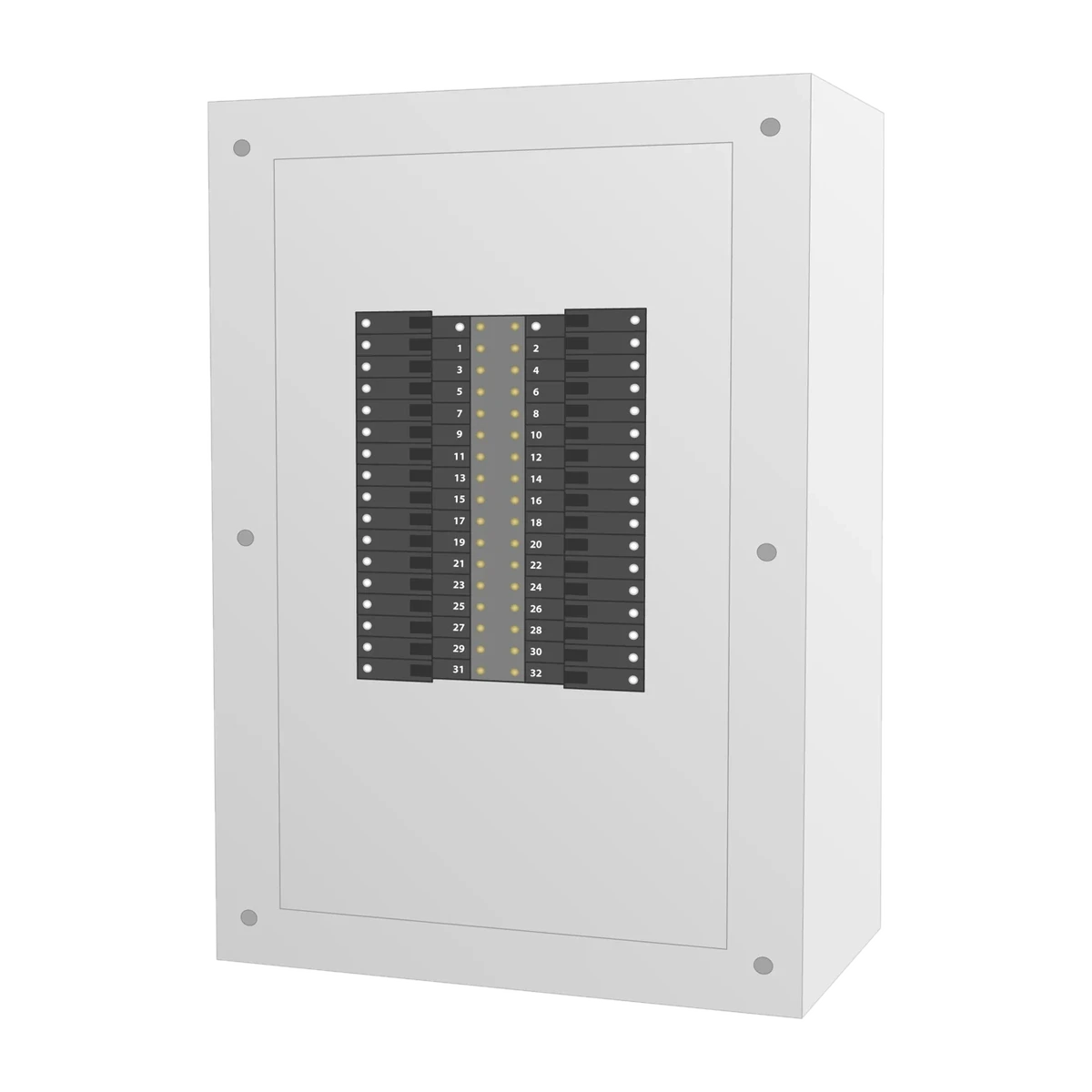
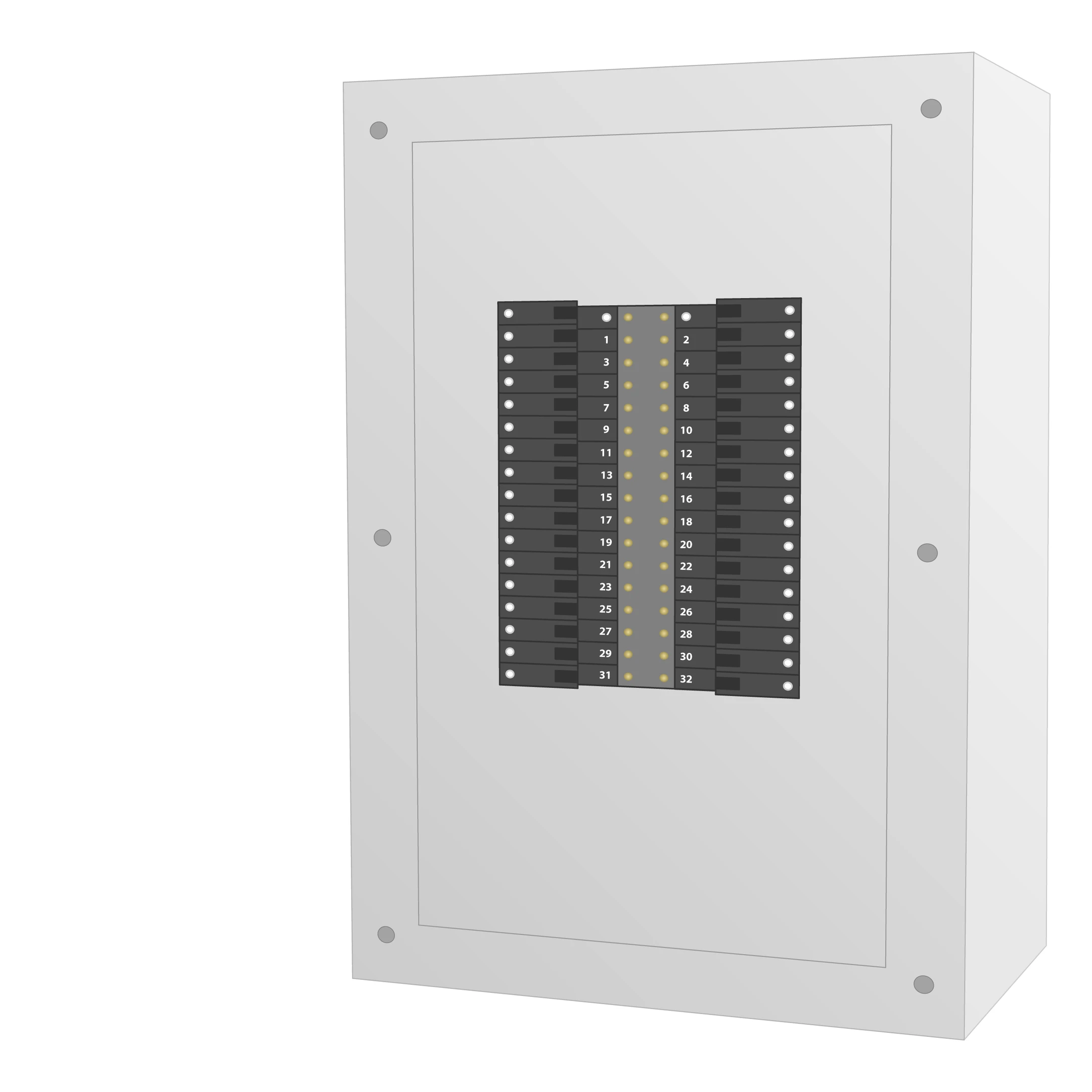
This is your Electrical Panel
Your electrical panel distributes power throughout the entire facility. Inside are individual circuit breakers that supply electricity to systems like HVAC, lighting, pumps, motors, and plug loads.
Because every system receives power through these circuits, the panel becomes the perfect place to understand how the facility is operating in real time.
Inside the Electrical Panel
Inside the electrical panel are individual circuit breakers connected to wires powering systems like lighting, HVAC, plug loads, pumps, motors, and other equipment throughout the facility.
Because every major system receives power through these circuits, the electrical panel becomes the central point for understanding how the facility is operating.
CT clamps are simply clipped around the wires connected to each circuit breaker — with no rewiring or major modifications required.
These sensors capture real-time electrical activity from each individual circuit, creating visibility into exactly what is happening at that specific system or piece of equipment.
CT clamps are simply clipped around the wires connected to each individual circuit breaker — with no rewiring, shutdowns, or major modifications required.
Each CT clamp is labeled based on the circuit it is connected to, creating a clean and organized setup for capturing real-time electrical activity throughout the facility.
The CT sensors connect directly to the CT Hub, where the electrical data from each individual circuit is collected and organized.
By bringing these circuit-level signals together, the CT Hub prepares the data to be securely passed through the system for analysis.
The CT Hub is housed in a compact utility enclosure installed beside the electrical panel, keeping the sensor connections clean, organized, and accessible.
Each CT sensor connects directly to the hub, creating a simple setup that can be expanded as additional circuits are added.
The CT Hub connects directly to the Gateway, allowing the collected circuit-level data to move securely from the electrical panel into the Opti-mized system.
The Gateway brings the data together and transmits it through Ethernet, Wi-Fi, or cellular connectivity for processing and analysis.
The Gateway is installed near the electrical panel and connects directly to the CT Hub, creating a simple connection between the installed sensors and the Opti-mized platform.
Once powered and connected to an available network, the Gateway begins securely transmitting facility data automatically.
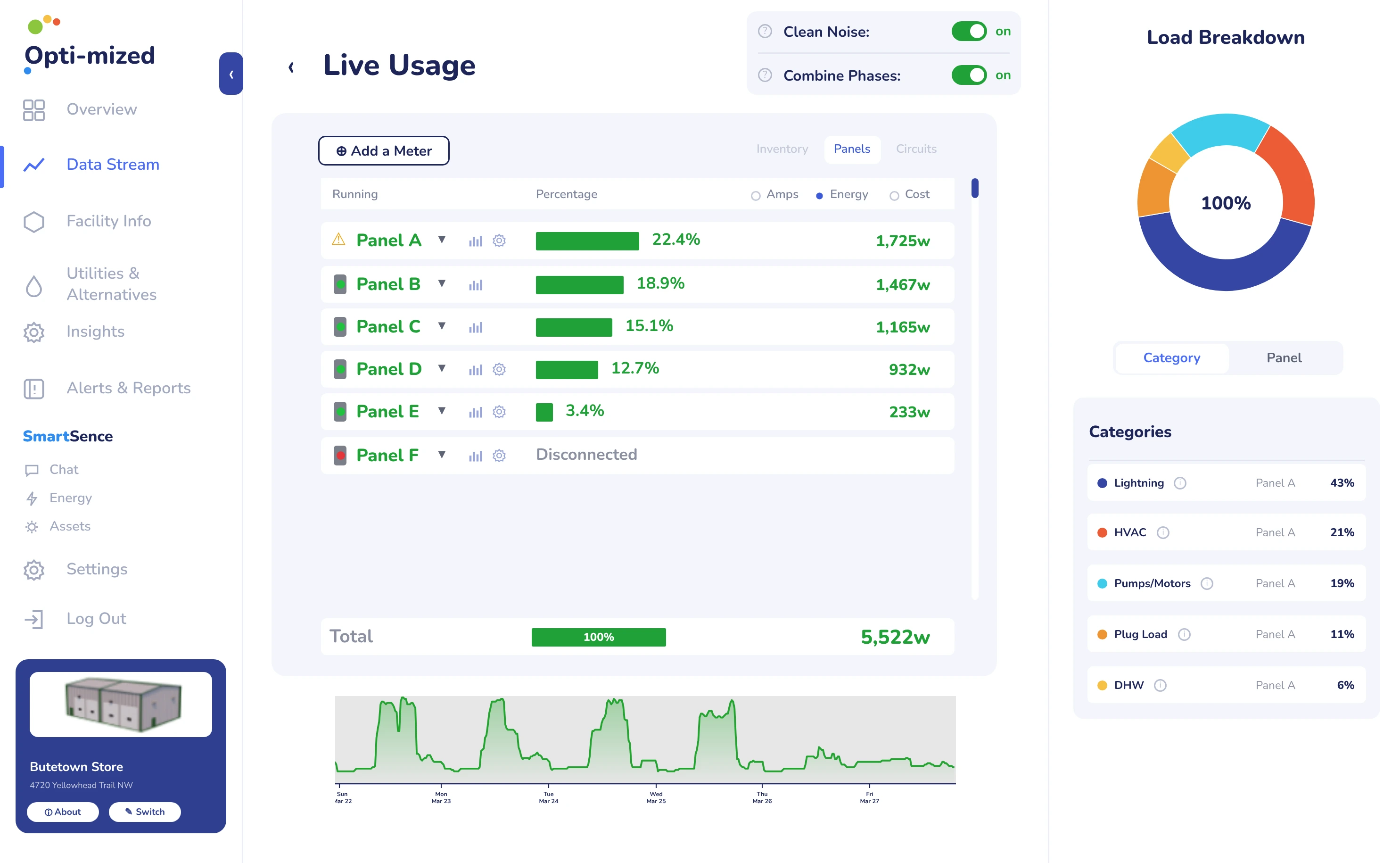
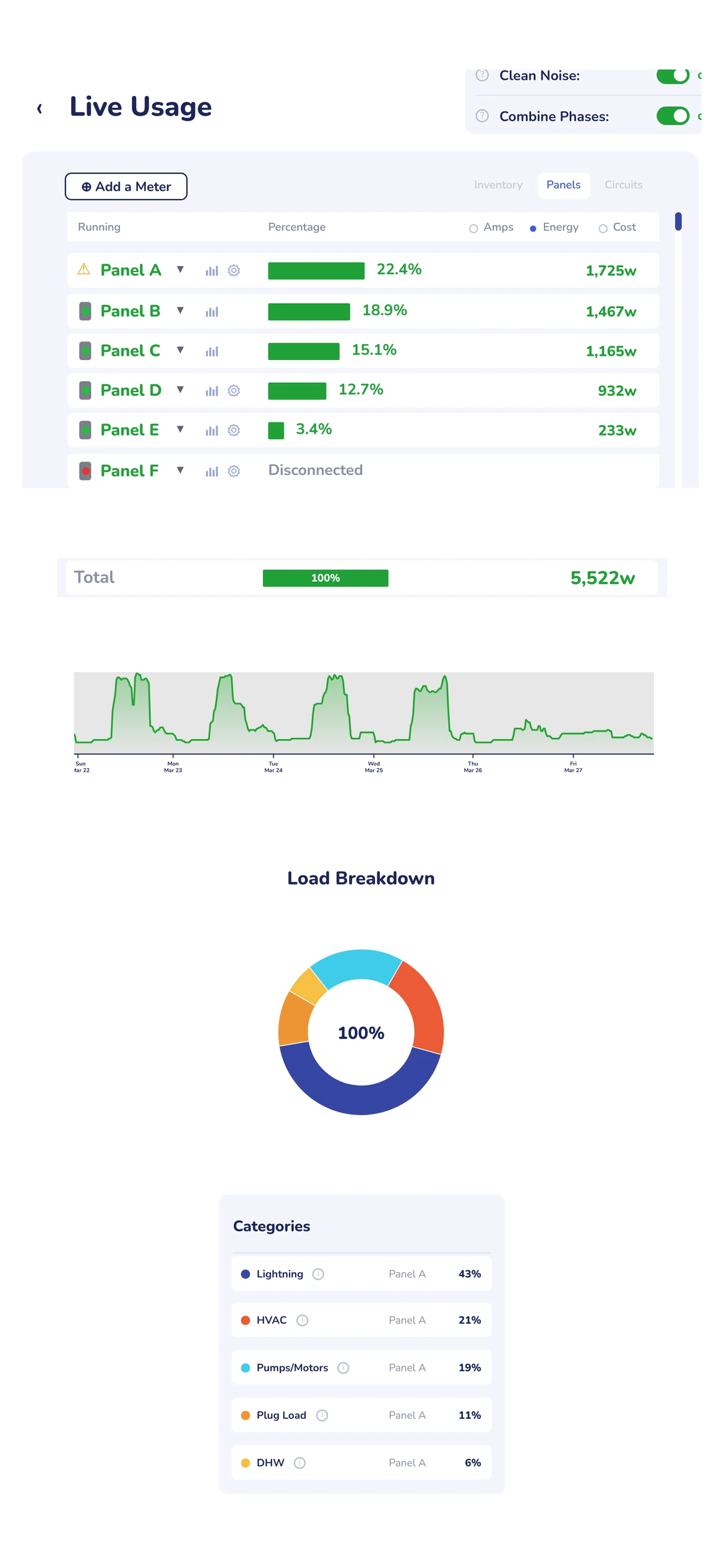
Intelligence Activated
Once the Gateway begins transmitting data, Opti-mized starts organizing and analyzing the electrical activity from each connected circuit.
What began as individual electrical signals is transformed into clear facility intelligence — helping identify operating patterns, off-hours activity, unusual conditions, performance changes, and opportunities to improve how the facility operates.
System Specifications at a Glance
The core capabilities of the Opti-mized hardware system.
- Up to 64 CircuitsCircuit monitoring
- 20A to 2000A+Sensor coverage
- Second-by-SecondData capture
- Ethernet • Wi‑Fi • CellularConnectivity
- Secure Cloud SyncCommunications
- Expandable ArchitectureBuilt to scale


-
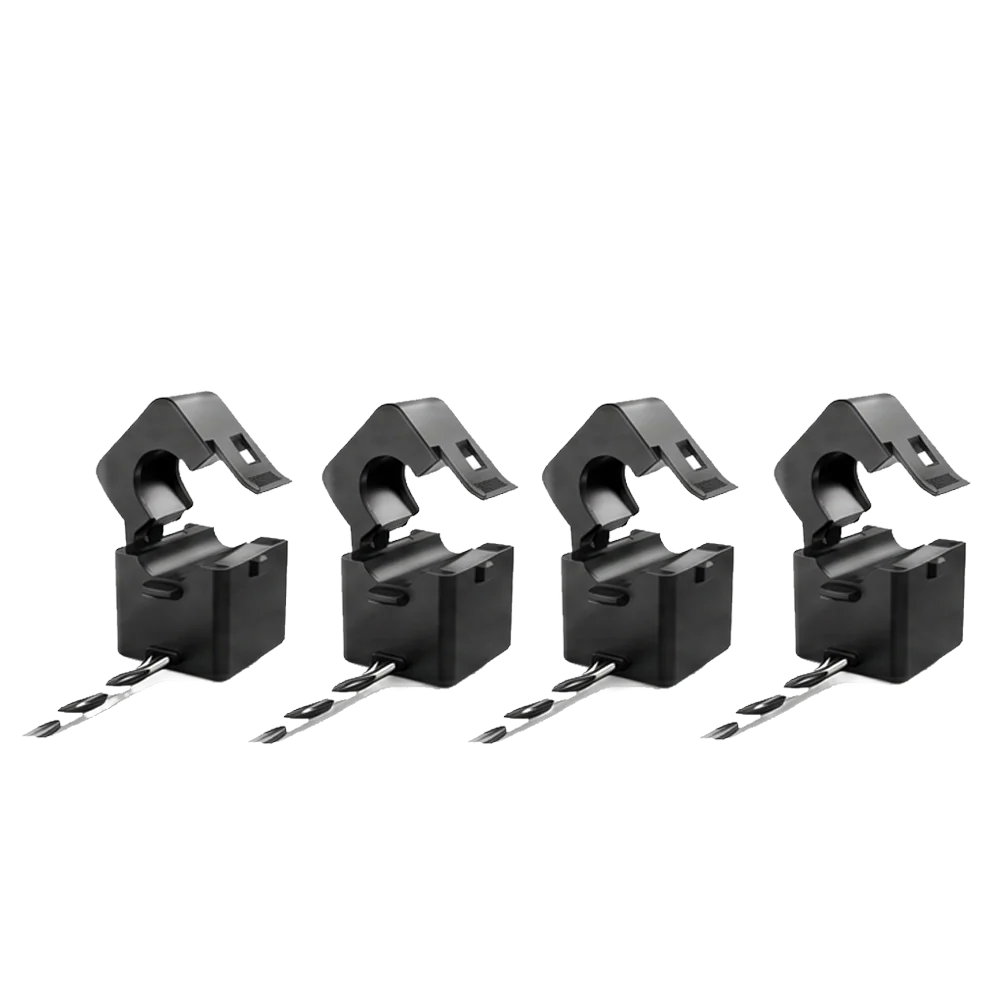
Clip-On Sensors
Non-invasive current sensors that clip onto each circuit conductor.
- 20A to 2000A
- 0.333V output
- Multiple sensor sizes
- Circuit-level measurement
-

Expansion Module (CT Hub)
Connects up to 16 sensors and transmits data to the gateway.
- Up to 16 sensors per module
- Connects sensors to gateway
- Expandable architecture
- Designed for panel installation
-
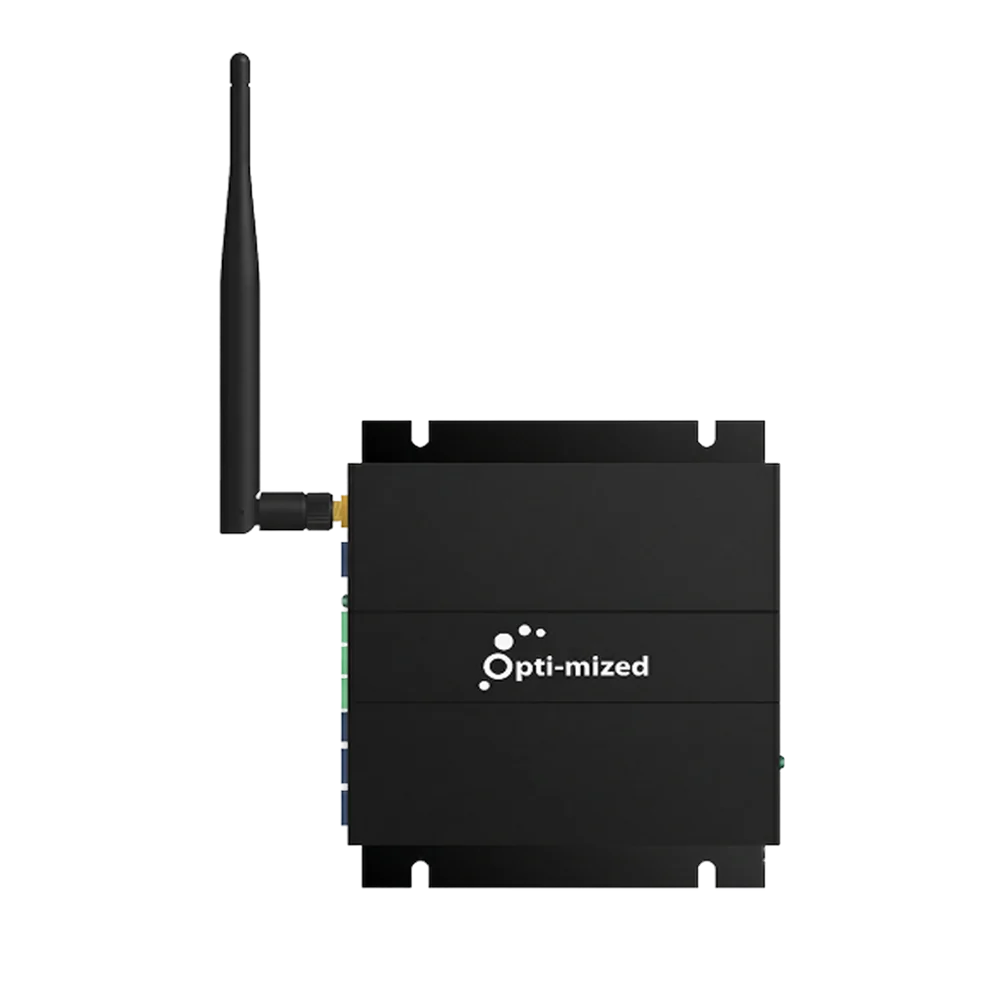
Gateway
The brain of the system. Collects, processes, and securely sends data to the cloud.
- Up to 64 circuits
- Ethernet • Wi‑Fi • Cellular
- Secure cloud communication
- OTA updates

 20A to 2000A
 Up to 16 sensors per module
 Up to 64 circuits
Built for Facility Intelligence
Not Just Measurement
Traditional systems collect data from individual points. Opti-mized was designed to capture electrical activity across the facility with less hardware and simpler deployment.
Less Hardware Required
Fewer devices and connection points make facility-wide deployment simpler.
Built Around Existing Infrastructure
Designed to integrate with the panels, MCC units, and switchgear already in place.
Scales Across Facilities
A modular architecture built for facilities of different sizes, ages, and complexity.

- Published
Case Studies9 - Municipalities~100
- Execution Time5+ Years
- Energy-Loss Areas
Identified598


Built Through Real-World Deployment. Proven in Real Facilities.
Opti-mized was shaped through years of real-world deployment across hundreds of facilities and public-sector sites. That experience gave us firsthand insight into operational challenges, energy loss, and what buildings actually need to perform better.

Opti-mized came from years of seeing what facilities needed and what existing solutions failed to deliver.

 Opti-mized Hardware
Plan Your Facility Setup.
You Don’t Need to Figure Out the Hardware Yourself.
Tell us about your facility and upload photos of your panels, MCCs, and switchgear. We’ll review each one and recommend the right Opti-mized hardware configuration for your facility.
Plan My Facility Setup



 Plan My Facility Setup
- Panels + MCCs + Switchgear
- Panel-by-Panel Review
- Configured for Your Facility
 Panels + MCCs + Switchgear
 Panel-by-Panel Review
 Configured for Your Facility
- 1Tell Us About Your Facility
- 2Upload Your Panel Photos
- 3We Review Each Panel
- 4Recommended Setup







Your Uploaded Panel Photos
We review each panel to understand your setup.
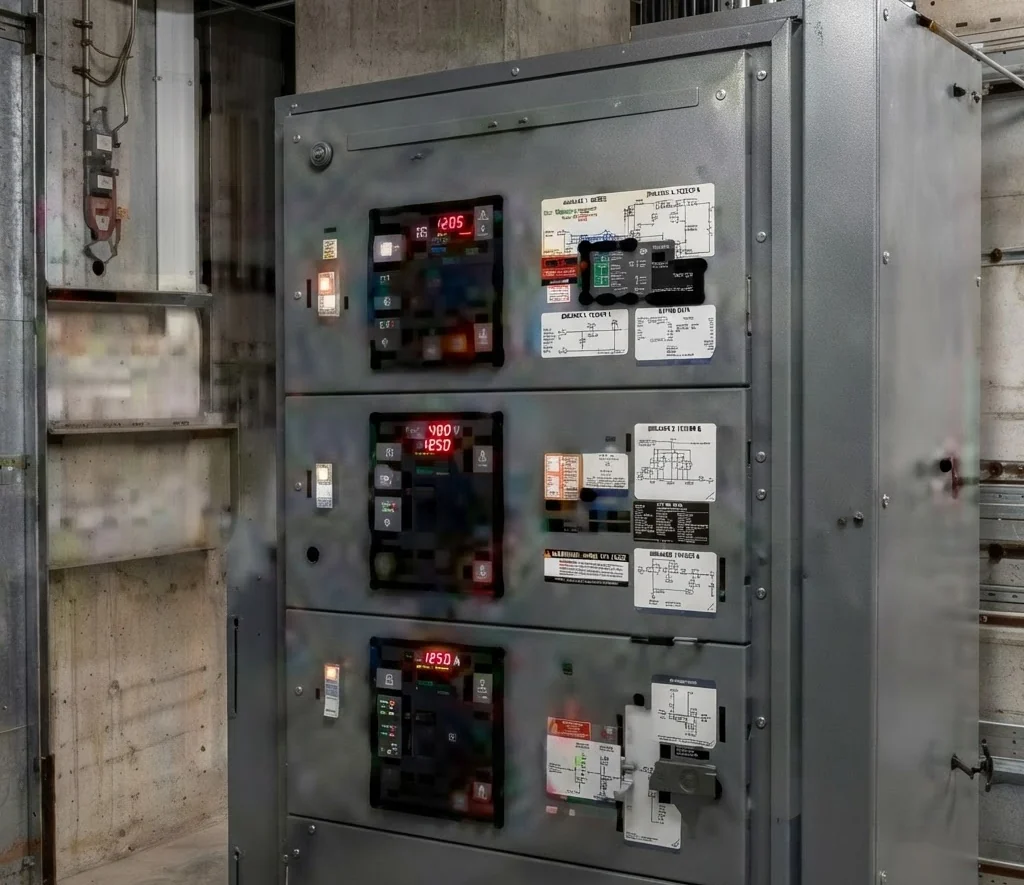 Panel A
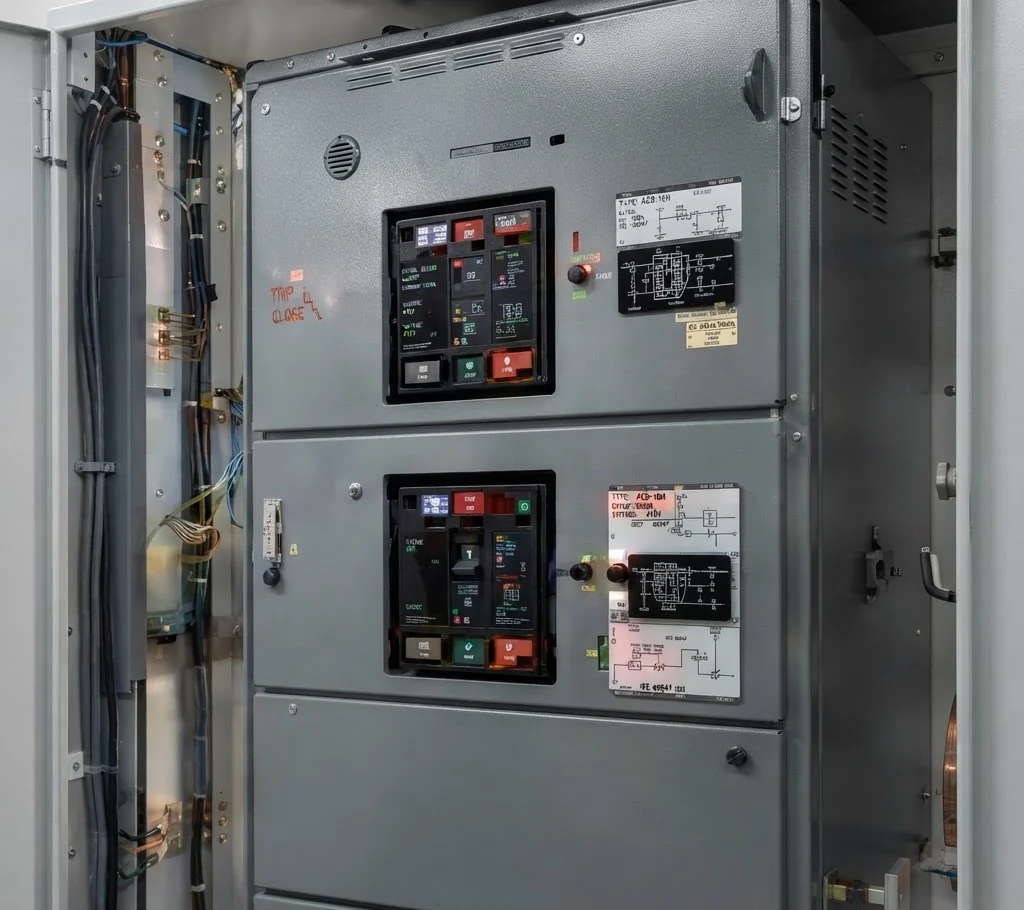 Panel B
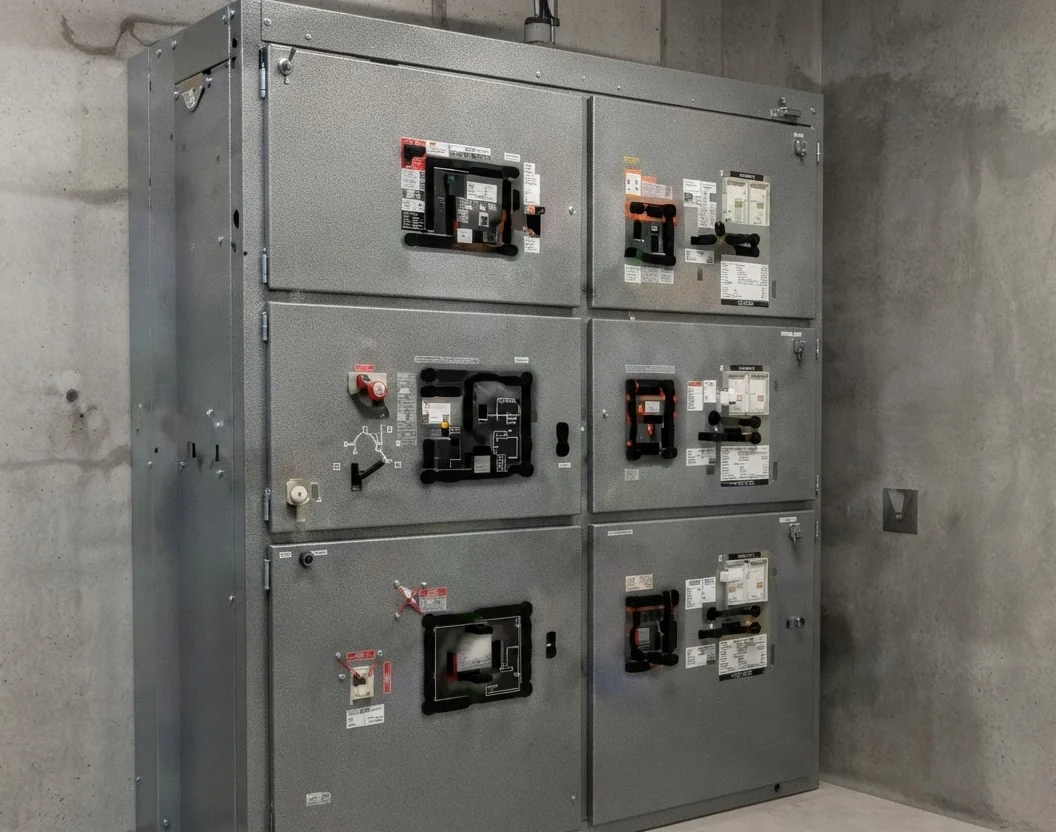 MCC-1
MCC-1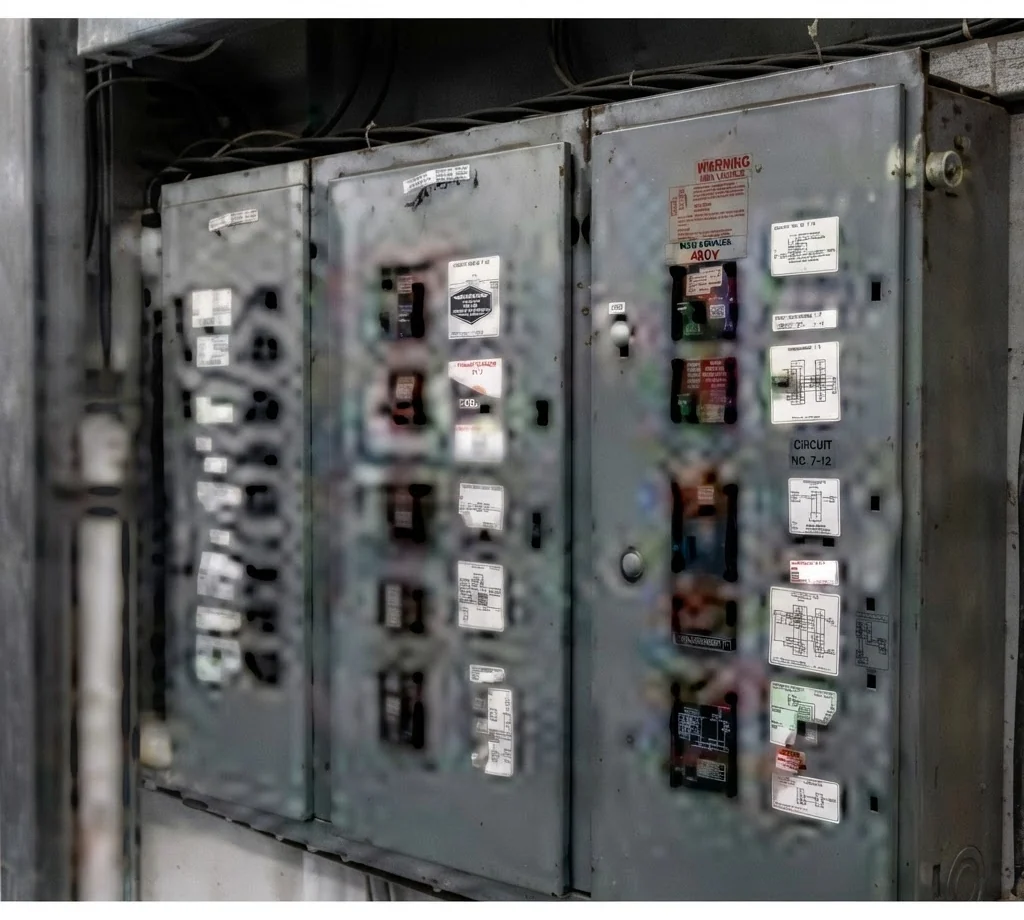 Panel D


Recommended Setup
Hardware matched to your panels.
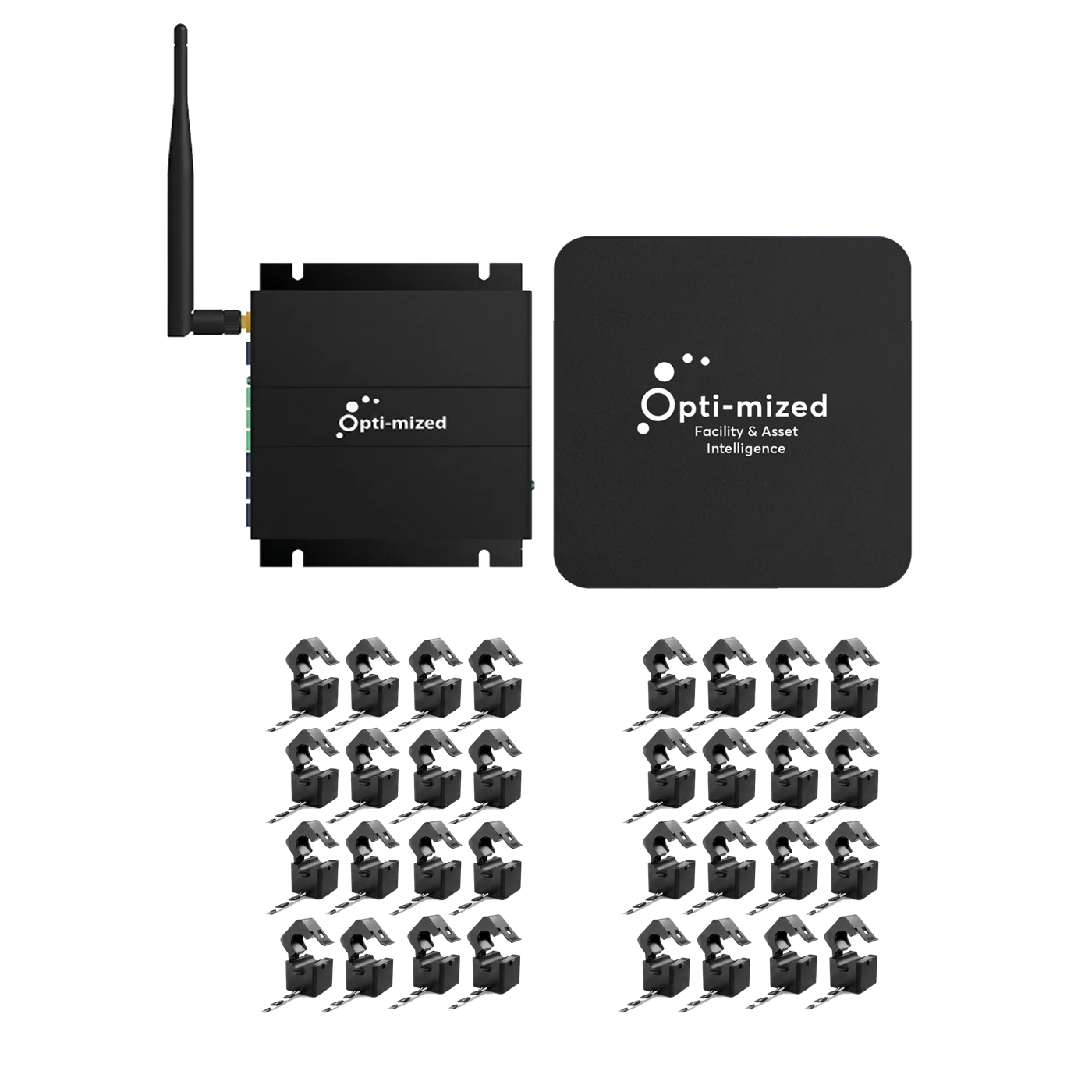
- Panel-by-panel hardware plan
- Correct sensor count
- Gateway and expansion mapping
- Deployment-ready configuration


Recommended Setup — Based on Your Panel Photos